Curriculum
Want a phone? Build it yourself! :-)
Introduction
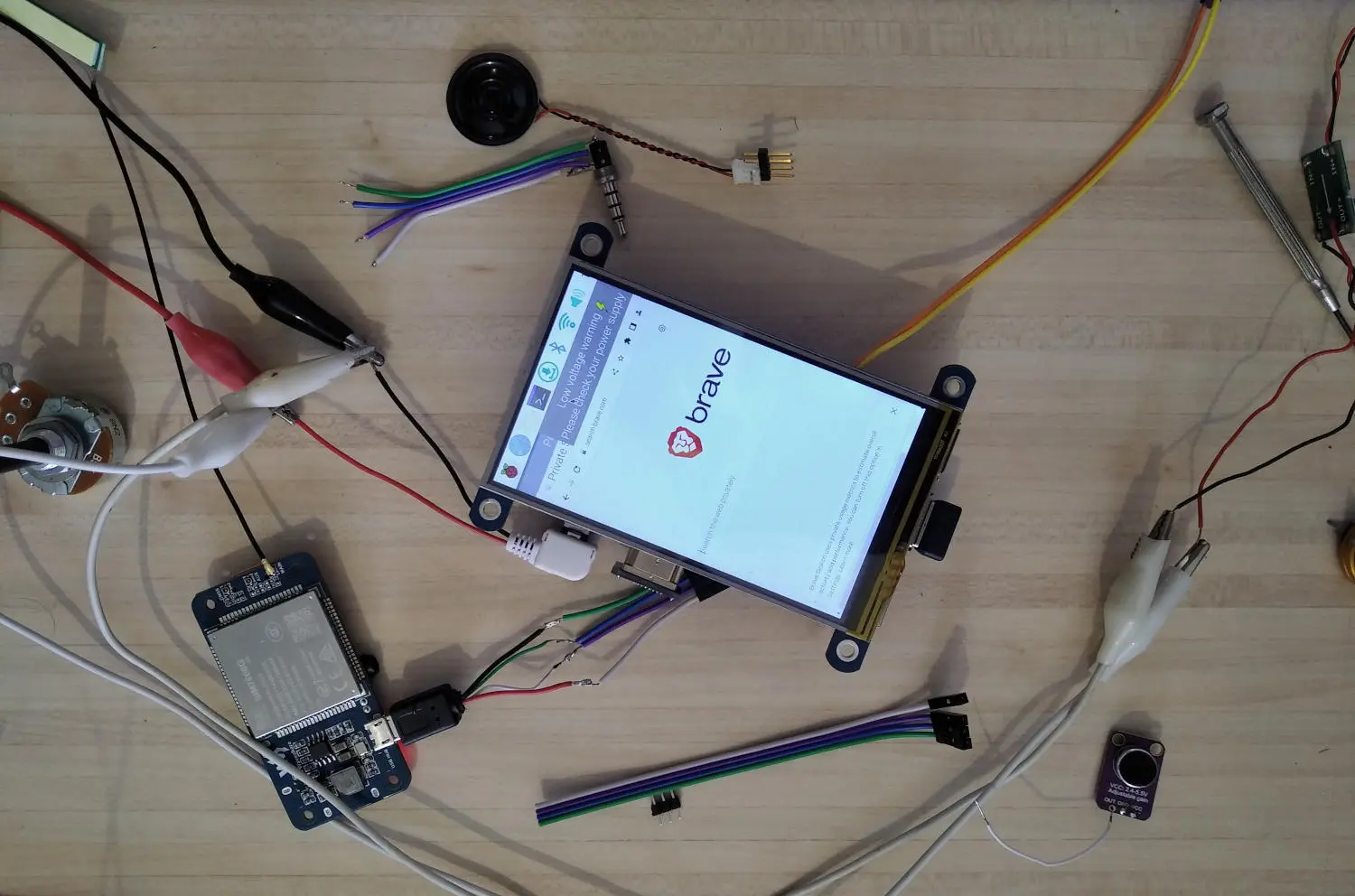
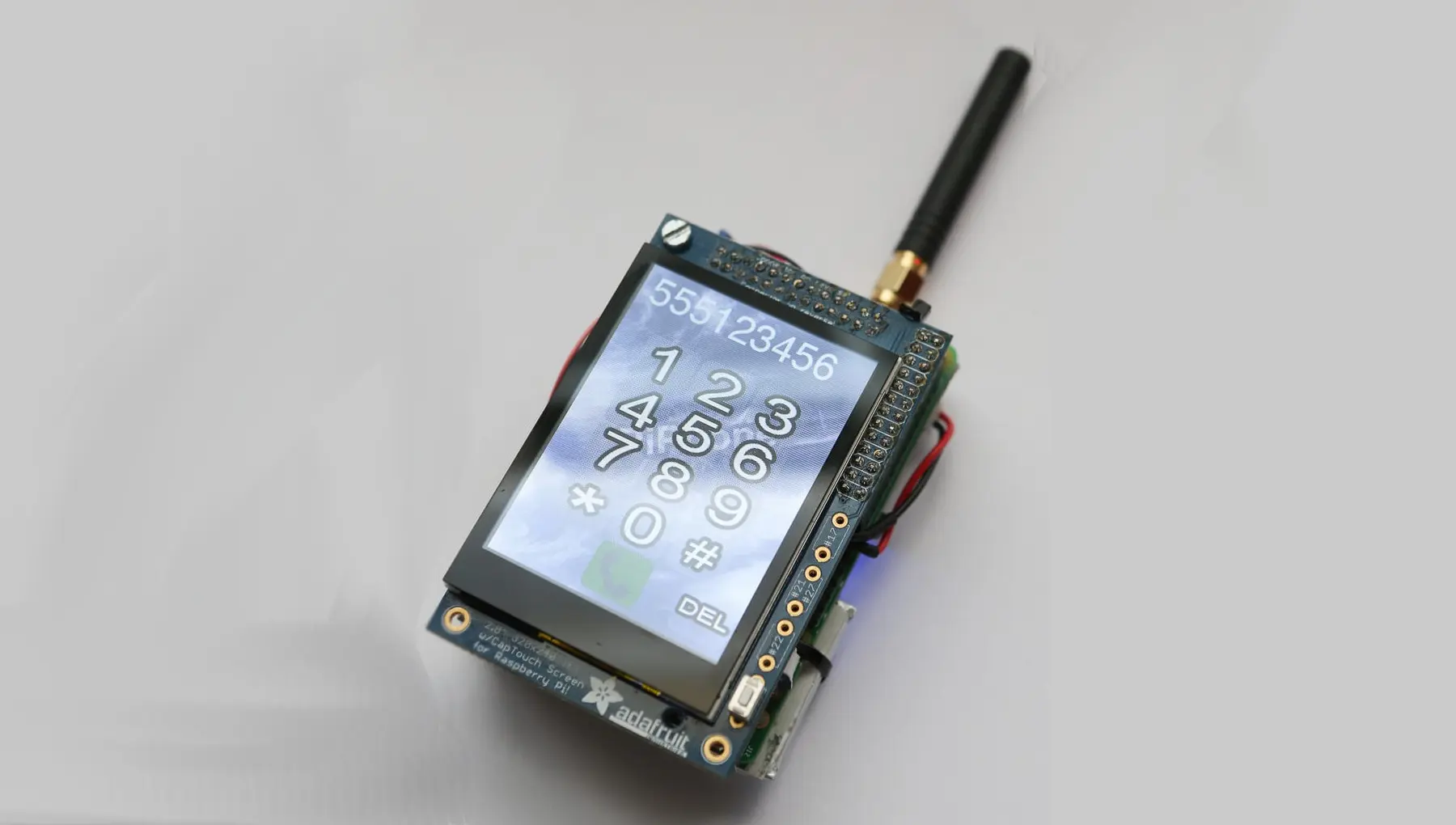
The Digital Knights curriculum is a five-year educational framework designed to equip children with an understanding of modern computing and communication technologies. It is intended to be taught before children receive their first smartphone (at approximately 13 years old). The pedagogical approach is based on the idea that the best way to understand a complex system is to break it down into its component parts and understand each of them individually. The curriculum is therefore structured around the hands-on project of building a functional mobile phone from basic components. This approach was inspired by the OURS and PiPhone projects.
Rationale
By building a phone from scratch, students will gain a deep understanding of the individual components that make up a modern smart device. They will see the data generated, the ways it is stored and used on the device, and how it is transmitted across a network. This knowledge will help them make informed decisions in the future about the types of data they capture and share with other people, apps, and websites. It will also give them a strong foundation in the basics of computing and communication technologies.
Aims
The main aim is for each child to become a technologically self-sufficient digital citizen - one who is in control of their devices, data and digital footprint. They can use technology safely, wisely, and in creative ways to solve real-world problems. Additional aims include inspiring a passion for technology, laying foundations for Junior Cert Technology and Leaving Cert Computer Science subjects, and providing a valuable set of skills for future success.
Structure
The curriculum is designed to be taught over a five-year period, with each year split into 2 semesters of 15 weeks running parallel to the school year. Class sizes are intended to be small (max 8 students) to allow for a hands-on, project-based learning experience with sufficient individual attention.
A semester-by-semester breakdown of the curriculum is provided below. Each semester includes a detailed description of the topics covered, the materials used, and the learning outcomes for students.
Year 1: Games & Computational Thinking
The goal of the first year is to have fun and learn how computers 'think' through physical games, puzzles and robotics. The focus is on understanding sequences and cause-and-effect before moving to screens.
Semester 1
Materials
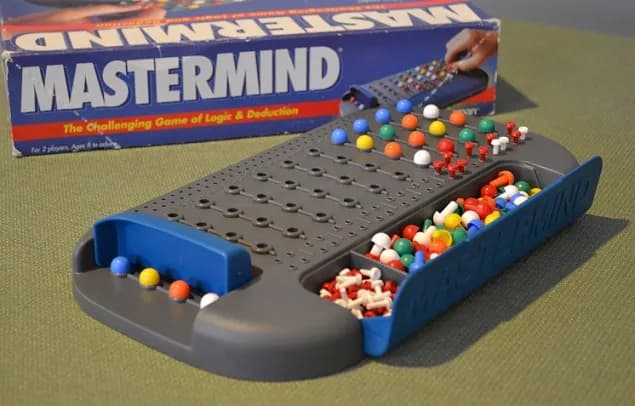
- Board games (Mastermind, Decrypto, Robot Turtles, etc.)
Students explore the foundations of computational thinking through board and card games.
Materials
- Board games (Mastermind, Decrypto, Robot Turtles, etc.)
Learning Outcomes
- Understand sequences, patterns, and cause-and-effect.
- Develop clear step-by-step instructions to parallel algorithmic programming.
Semester 2
Materials
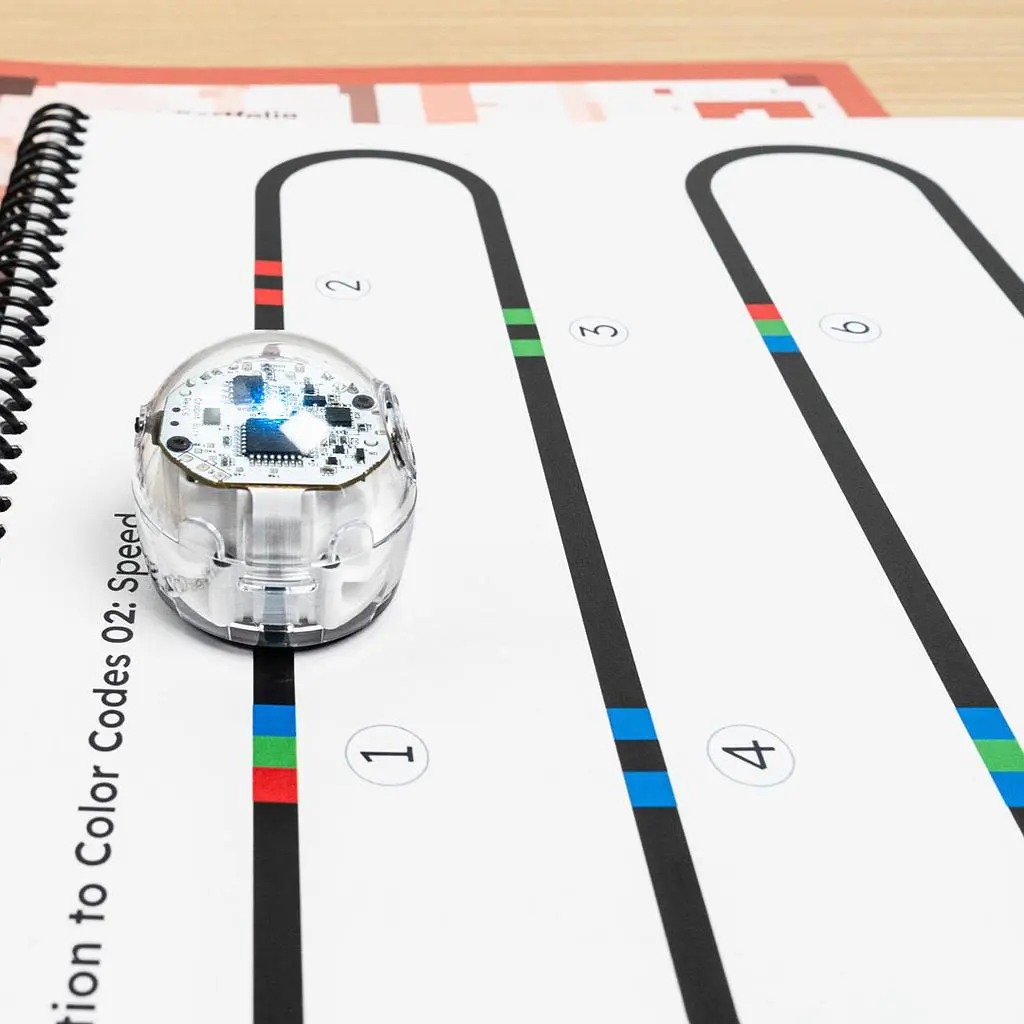
- Educational robots (e.g., Ozobot, Bee-Bot)
Students get hands-on with educational robots, learning to program physical devices using visual codes and commands.
Materials
- Educational robots (e.g., Ozobot, Bee-Bot)
Learning Outcomes
- Programming physical robots to follow paths and commands
- Understanding sequences and loops through physical movement
- Debugging robotic behaviors by observing physical outputs
Year 2: Computers and Simple Programming
The small, single-board Raspberry Pi computer is introduced. Students first learn to code using the drag-and-drop interface of Scratch, then graduate to text-based programming using Python to control simple electronic circuits.
Semester 1
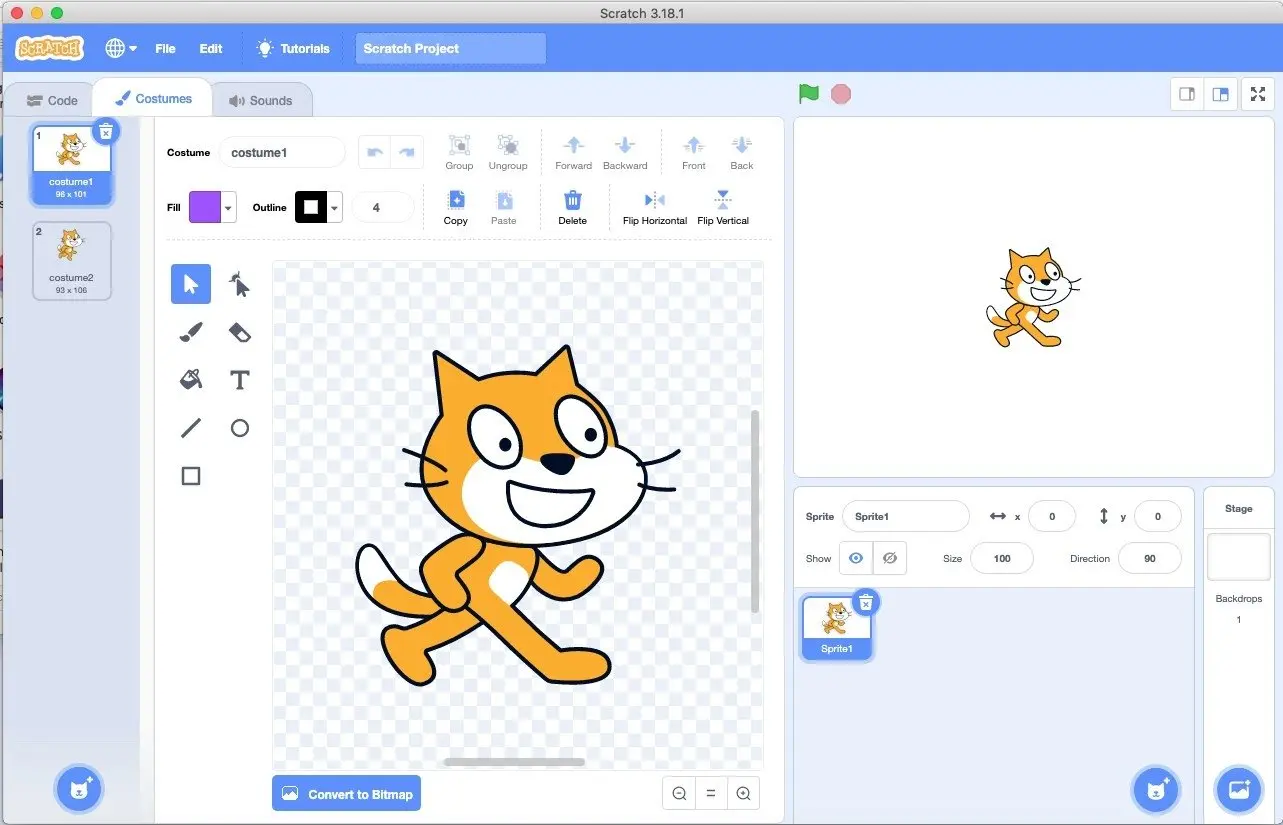
Materials
- Raspberry Pi 5
- Scratch Software
Students take their first steps into programming using Scratch. They learn how to build interactive stories and games, developing their algorithmic thinking and problem-solving skills in a visual environment.
Materials
- Raspberry Pi 5
- Scratch Software
Learning Outcomes
- Introduction to the Raspberry Pi environment
- Creating interactive stories and games using Scratch
- Understanding basic programming concepts like loops, events, and variables
Semester 2
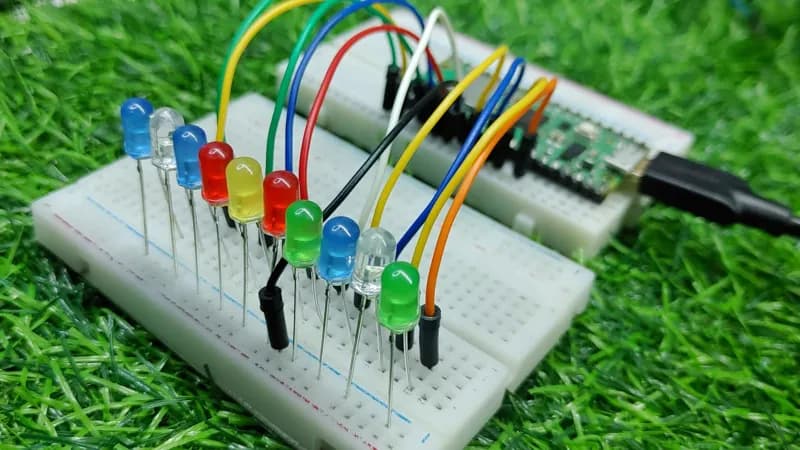
Materials
- Raspberry Pi 5/Zero
- Breadboard
- Switches
- LEDs
- Motors
- Python IDE
Building on their initial programming experience, students transition to Python, a widely used text-based language. They learn to write scripts that interact with the physical world, controlling LEDs and motors. This bridges the gap between software logic and hardware control.
Materials
- Raspberry Pi 5/Zero
- Breadboard
- Switches
- LEDs
- Motors
- Python IDE
Learning Outcomes
- Transitioning from visual blocks to text-based Python programming
- Using Python to control LEDs (blink, flash patterns) and simple motors (for basic robotics)
- Introduction to timing, loops, and conditional logic in Python
Year 3: Phone Specific Components
A wide range of smartphone specific inputs and outputs are introduced to expand on the simple circuits learned in year 2. This builds familiarity with the components on a modern smartphone and lays the groundwork for understanding how these devices interact with the external world and the type of data they generate.
Semester 1
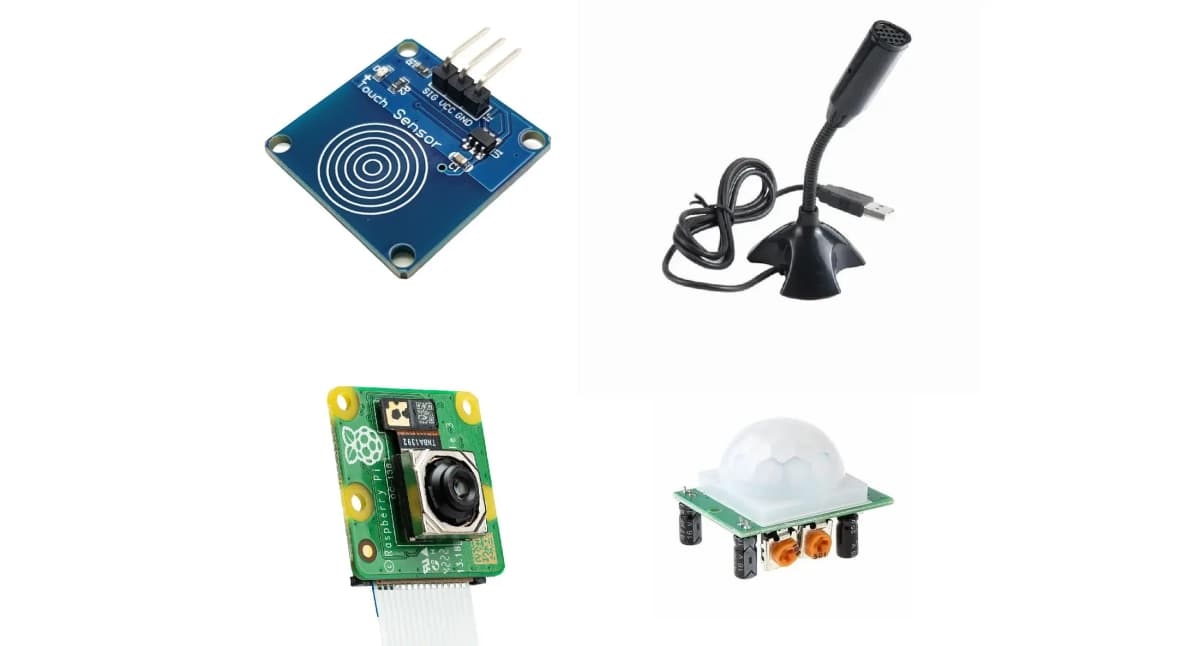
Materials
- Touch, motion and light sensors
- Microphone
- Camera
- Gyroscope
An array of sensors which provide inputs to a computer are introduced. Students learn how to read data from these sensors and use it to create interactive projects that respond to touch, motion, light, sound, and images.
Materials
- Touch, motion and light sensors
- Microphone
- Camera
- Gyroscope
Learning Outcomes
- Replace simple switches with touch, motion and light sensors.
- Record and analyze audio input from the microphone
- Capture and process images from the camera
- Detecting tilt and shake gestures
Semester 2
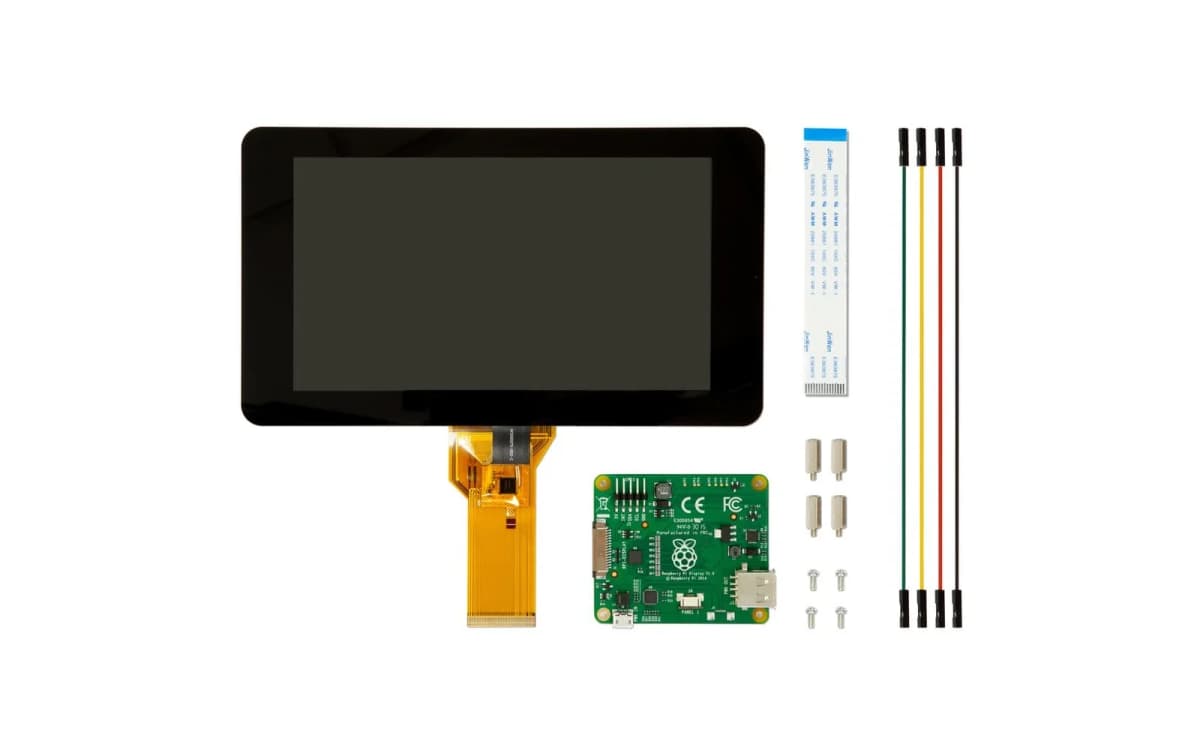
Materials
- Touchscreen Display
- Speaker
- Battery Pack
Students shift focus to the output capabilities of mobile devices, learning how to present information visually and audibly. They will also explore power management, understanding how batteries work and how to efficiently power their portable projects.
Materials
- Touchscreen Display
- Speaker
- Battery Pack
Learning Outcomes
- Use a touchscreen display to create interactive user interfaces
- Generating audio output through speakers for alerts and media playback
- Understanding battery technology and power management for portable devices.
Year 4: Connectivity & Networks
The device, now complete with physical components, connects to the world as students explore the invisible networks that link computers. Websites are accessed and applications downloaded, with a focus on understanding permissions and data sharing.
Semester 1
Materials
- No new materials needed
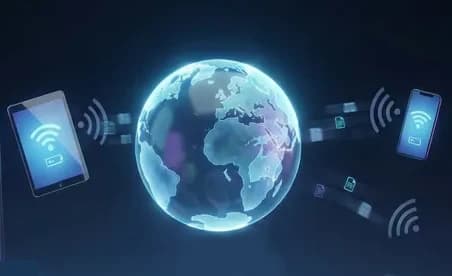
Students dive into the fundamentals of the Internet by turning their Raspberry Pi into a web server. They host their own custom webpage, access it from other devices on the network, and analyze the data being transmitted, gaining a practical understanding of how web servers and browsers communicate.
Materials
- No new materials needed
Learning Outcomes
- Build a simple web server on the Raspberry Pi and host a custom webpage
- Access a custom webpage from another device on the same network
- View the data being sent and received
Semester 2
Materials
- No new materials needed
The focus shifts to software applications and digital privacy. Students learn how to install apps on their device while examining the permissions they request. By controlling what data apps can access, they develop a deeper awareness of privacy and data security.
Materials
- No new materials needed
Learning Outcomes
- Install apps
- Understand why apps request certain permissions and what data they access
- Control the permissions for a range of apps
Year 5: Putting It All Together
The final hardware component, the SIM card, transforms the computer into a true mobile phone. Students learn how cell networks and mobile data operate. They then program the phone to send and receive text messages and make voice calls, integrating all the knowledge and skills from previous years into a fully functional smartphone.
Semester 1
Materials
- 4G/LTE HAT for Raspberry Pi
- SIM Card
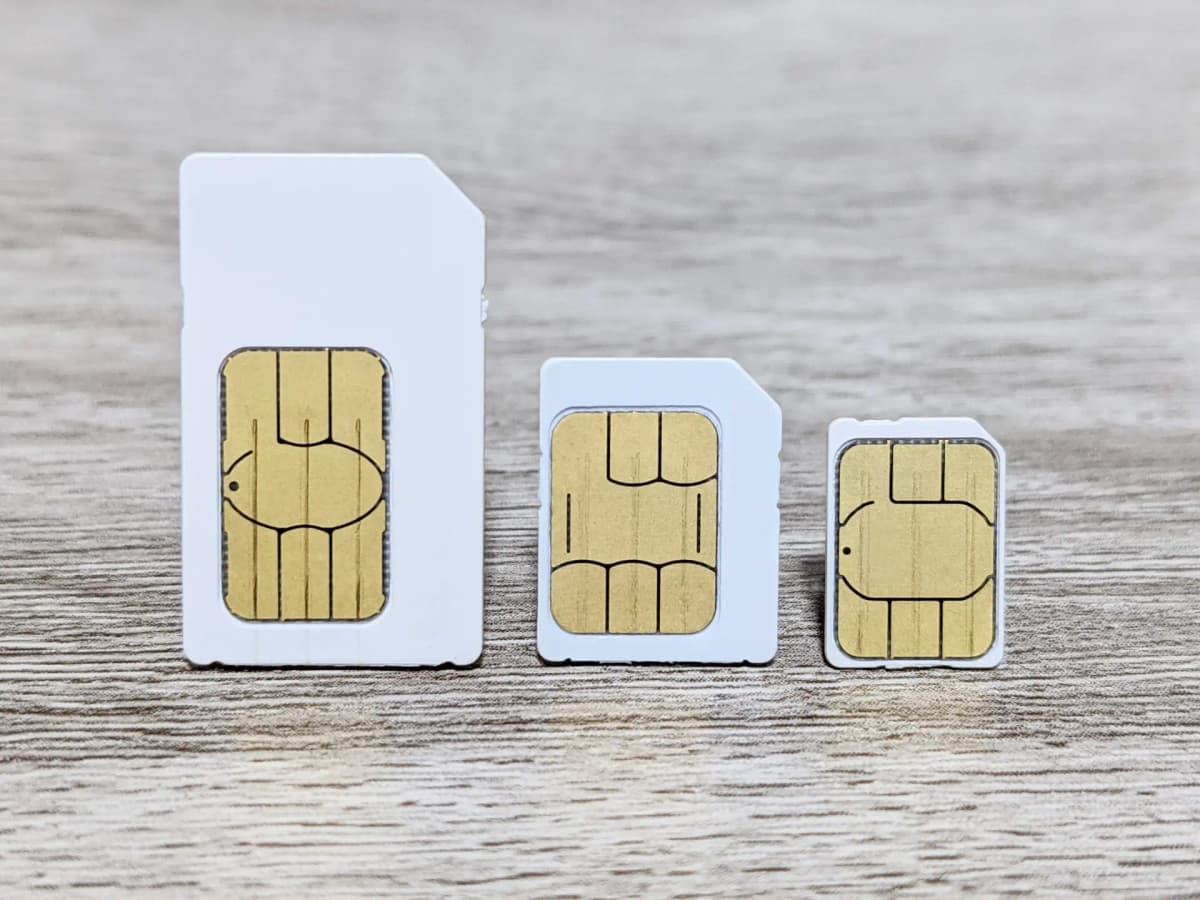
Students explore the functionality of the SIM card and how it enables mobile communication. They learn to connect a 4G HAT, insert a SIM card, and send and receive data over the cellular network.
Materials
- 4G/LTE HAT for Raspberry Pi
- SIM Card
Learning Outcomes
- Understand the Subscriber Identity Module (SIM)
- Connect a 4G HAT and inserting a SIM
- Send and receive data over the cell network
Semester 2
Materials
- Real Smartphone
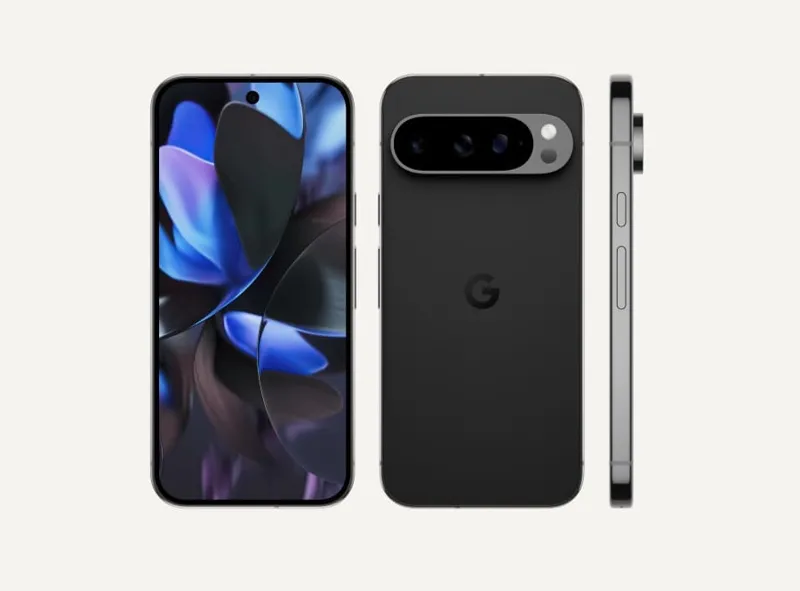
Once students have demonstrated sufficient knowledge and skills with the Raspberry Pi Phone, they transition to using a real smartphone to apply their learning in a practical context.
Materials
- Real Smartphone
Learning Outcomes
- Set up a smartphone for maximum privacy and safety
- Understand the hardware and software components of this new device.
- Practice safe and responsible use.
For more information on classes, or to add your child(ren) to the waitlist, see: Classes